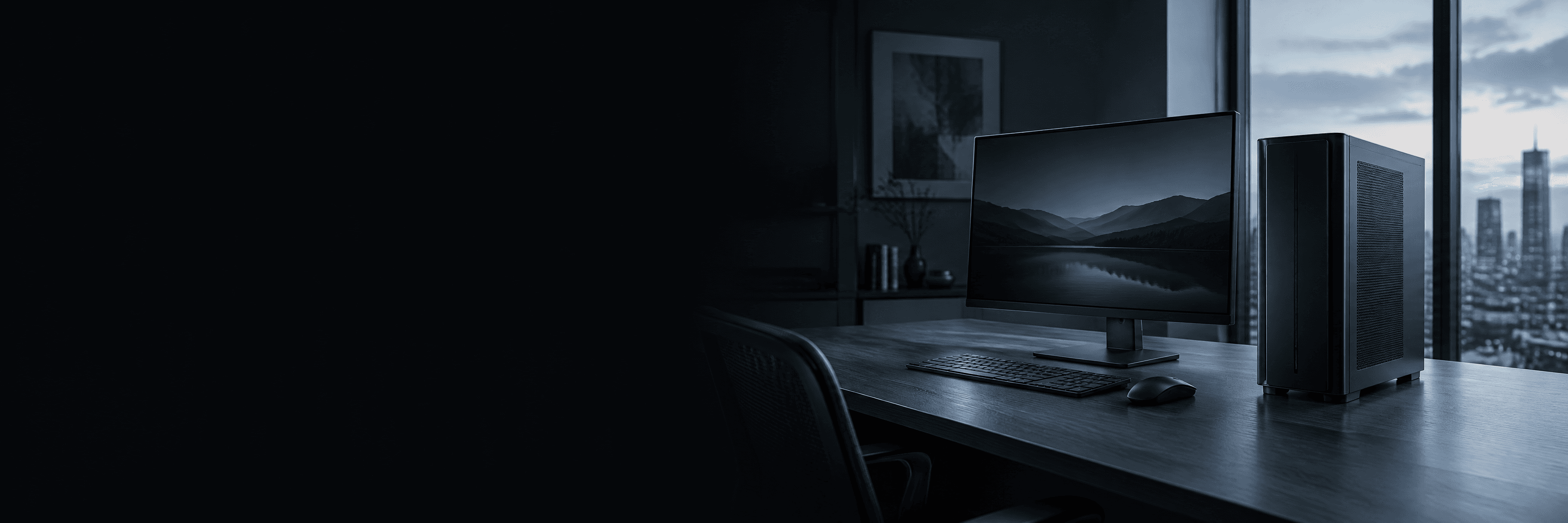
AI Creator Workstation
A desk-side workstation for AI imaging, generative video, 3D and development, sized after we see your pipeline.
Status: Concept: specification subject to validation
Form factor: Full tower, office-quiet
Price: On request
Reviewed 27 Oct 2026
Who it is for
Creative studios, 3D artists and individual developers working at a desk.
- AI video & 3D
- Rendering
- Local LLM
In the advisor, this build serves the Personal or creative workstation category.
Configuration options
Ranges we choose from during validation. The final specification depends on your workload, software and environment.
| Part | Options |
|---|---|
| CPU | High-clock desktop or workstation-class processor, chosen for your applications' threading |
| GPU | One active-cooled professional GPU; VRAM chosen from your largest models and scenes |
| Memory | 64 to 256 GB, sized to your datasets and scene complexity |
| Storage | NVMe for OS and active projects; larger NVMe or SATA for caches and archives |
Cooling, power and installation
Cooling
Active-cooled workstation GPU in a ventilated tower. No passive server GPUs.
Power
Planned from the chosen GPU's maximum board power plus CPU and headroom; a high-end GPU can need a dedicated circuit in older offices.
Chassis
Tower with front-to-back airflow and room for full-length dual-slot cards.
Network
Standard office networking; 10 GbE if you move large media files to shared storage.
Software examples
Examples we can install and configure. Compatibility is confirmed for your exact versions during validation, not assumed.
- ComfyUI or similar diffusion tooling
- Blender, DaVinci Resolve or your DCC suite
- Python ML stack
Limits, assumptions and open questions
Limitations
- One GPU: very large models may not fit in memory without quantization.
- Not intended for many simultaneous users; see the Local LLM & Agent Tower.
Assumptions
- One primary user
- Office environment
- Applications support the chosen GPU's software stack
What we will ask you
- Which applications and versions?
- Largest model, scene or video resolution?
- Windows or Linux?
Start from the AI Creator Workstation
Tell us your workload and we will adapt this configuration, check compatibility, and quote it. No obligation.