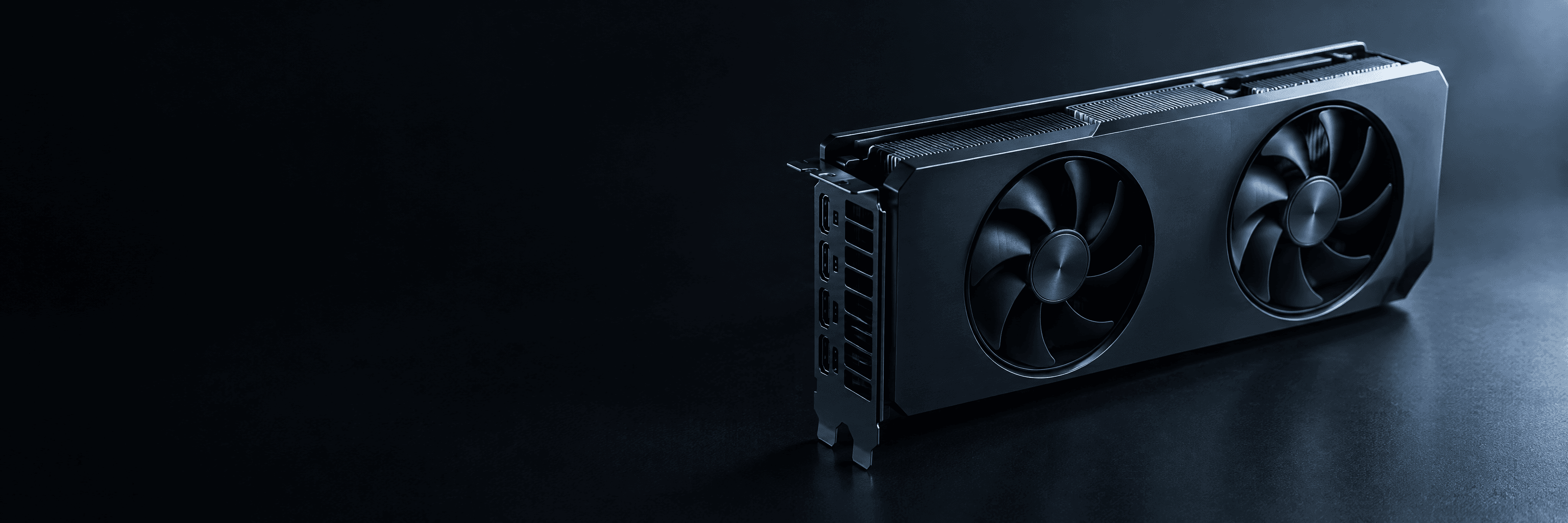
How to choose a professional GPU
Start with the memory your model needs, then choose the cooling design for where the machine will live, then the software stack, then check power. In that order, the right GPU usually picks itself.
Four decisions, in order
1. Memory
Model size, quantization, context and users set the VRAM floor. Too little and the model will not load; too much is money unused.
2. Cooling design
Workstation editions have fans for towers. Server editions are passive and need a server chassis.
3. Software stack
CUDA or ROCm, matched to your frameworks, runtimes and applications.
4. Power
Board power decides power supplies, circuits and, for several cards, the room.
Launch GPUs compared
Manufacturer figures only, with sources. Measured system performance is published separately, and only once tested.
| NVIDIA RTX PRO 6000 Blackwell Workstation Edition | NVIDIA RTX PRO 6000 Blackwell Server Edition | AMD Radeon AI PRO R9700 | |
|---|---|---|---|
| Architecture | NVIDIA Blackwell | NVIDIA Blackwell | AMD RDNA 4 |
| GPU memory | 96 GB GDDR7 with ECC | 96 GB GDDR7 with ECC | 32 GB GDDR6 (ECC supported on Linux only) |
| Memory bandwidth | 1792 GB/s | 1597 GB/s | 640 GB/s (peak) |
| Host interface | PCIe 5.0 x16 | PCIe 5.0 x16 | PCIe 5.0 x16 |
| Board power | 600 W total board power | Up to 600 W, configurable | 300 W total board power (750 W minimum PSU recommended) |
| Cooling | Active, double flow-through | Passive (air-cooled); a liquid-cooled version is also listed | Active (cooler design varies by board partner) |
| Form factor | Dual slot, extended height, 5.4 in H × 12 in L | Air-cooled: dual slot, full height, full length, 4.4 in H × 10.5 in L | Double slot, desktop |
| Multi-Instance GPU | Up to 4× 24 GB, 2× 48 GB or 1× 96 GB | Up to 4 instances at 24 GB | – |
Sources Last verified 27 Oct 2026
- NVIDIA: RTX PRO 6000 Blackwell Workstation Edition product page
- NVIDIA: RTX PRO 6000 Blackwell Workstation Edition datasheet (PDF)
- NVIDIA: RTX PRO 6000 Blackwell Server Edition product page
- NVIDIA: RTX PRO 6000 Blackwell Server Edition datasheet (PDF, NVIDIA asset library)
- NVIDIA: RTX PRO 6000 Blackwell Server Edition product brief SP-12355-001 (PDF, NVIDIA asset library)
- AMD: Radeon AI PRO R9700 specifications
- AMD: Radeon AI PRO graphics family page
Workstation edition or server edition?
CUDA or ROCm
A short, dated note. Reviewed 27 Oct 2026; the ecosystem moves quickly.
CUDA (NVIDIA)
The default target for most AI frameworks, runtimes and research code. Fewest surprises when you follow tutorials and papers.
ROCm (AMD)
Supports PyTorch and several popular runtimes on supported GPUs. Check AMD's compatibility matrix for your exact GPU, OS and versions.
What we do
Confirm your frameworks and versions against the GPU before quoting, and install a tested stack at handover.
Sources Last verified 27 Oct 2026
Common questions
Is more VRAM always better?
Only up to what your model, context and users need. Beyond that you pay for memory you do not use; a faster or cheaper card may serve you better.
Should I choose NVIDIA or AMD?
Choose by your software. CUDA is the default for most AI tools. ROCm runs PyTorch and several popular runtimes on supported AMD GPUs and can offer more memory for the money. We check your exact stack.
Can I mix GPUs from different families?
It is possible but rarely a good idea in one system: software, drivers and model splitting all work best with identical cards.
What is the difference between the two RTX PRO 6000 editions?
The Workstation Edition has its own fans for towers. The Server Edition is passive and needs a validated server chassis. Choose by where the machine will live.
Not sure which GPU you need?
Describe the workload. We will recommend the GPU and the system around it, and explain why.